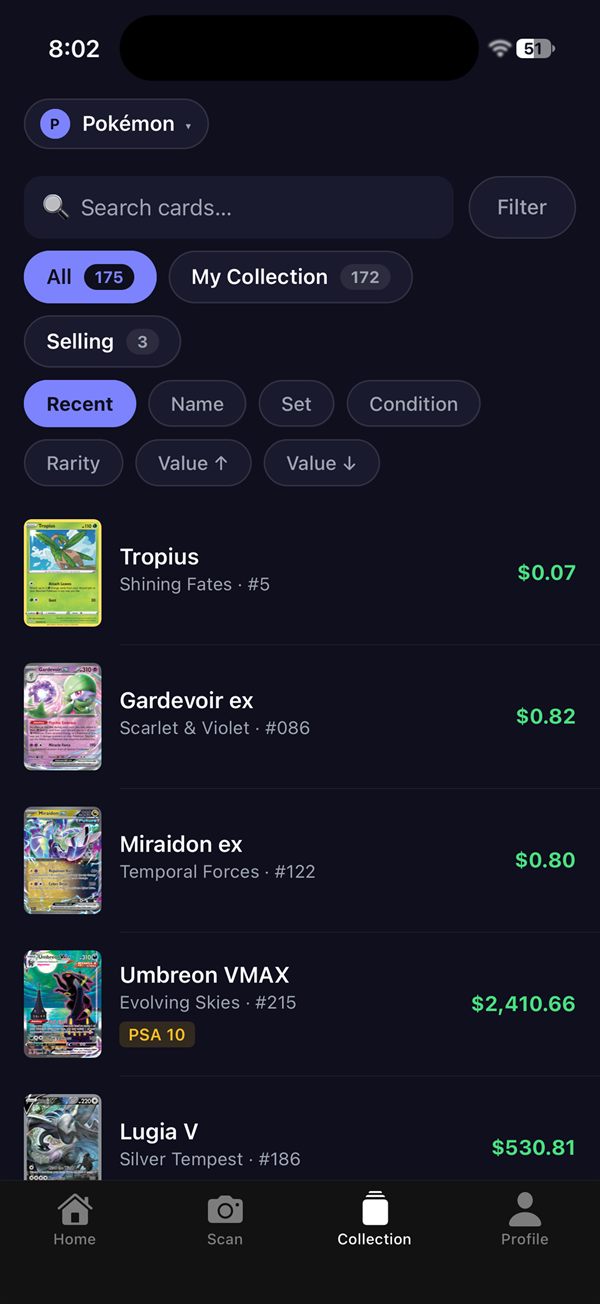
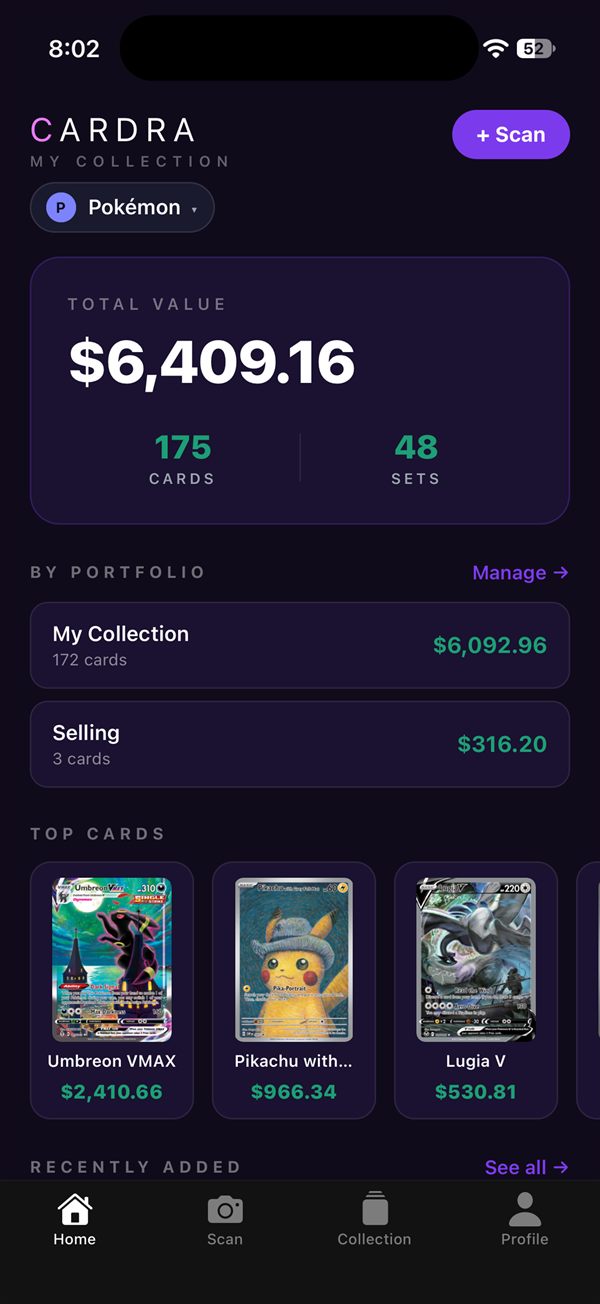
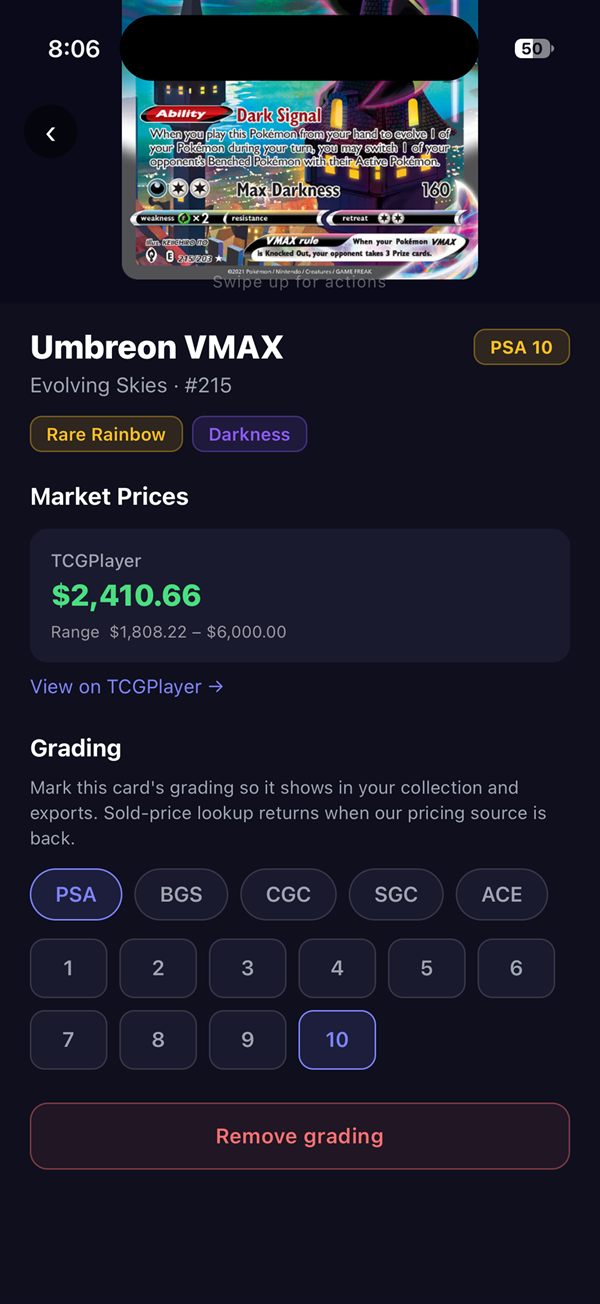
Scan your cards with your phone, build your collection, and track its value from real market prices.
Android: available worldwide · iPhone: US, Canada, UK, Australia and New Zealand
No more spreadsheets or looking up cards one at a time.
Point your camera at a card and Cardra identifies it. If it isn't sure, it shows the closest matches, or you can search by name, set or number.
Every card is priced from real market data. See your collection's total, how it's moving week to week, and each card's recent price trend.
Split cards into portfolios, pick the exact printing you own (Normal, Holofoil or Reverse Holofoil), and record graded cards.
Email yourself a CSV of your whole collection any time.
Build your collection and see what it's worth before paying anything.
Prices shown in USD. Subscriptions are billed through the App Store or Google Play and can be canceled any time in your store account settings.
Questions, bugs or a card that won't scan? Email cardra@cardratcg.com. We usually reply within 1–2 business days.
Pokémon TCG and One Piece TCG. Tap the game name at the top of the app to switch.
Fit the whole card in the frame with good light and no glare. If the match is wrong, pick the right card from the suggestions or search by name, set or number. Already saved the wrong card? Open it and tap "Wrong card? Fix the match". Fixing it doesn't use up a free save.
On the sign-in screen, tap "Forgot password?" and follow the link in the email. It opens a page where you set a new password, then you sign in to the app.
In the app: Profile → Delete account. You can also request deletion by email.